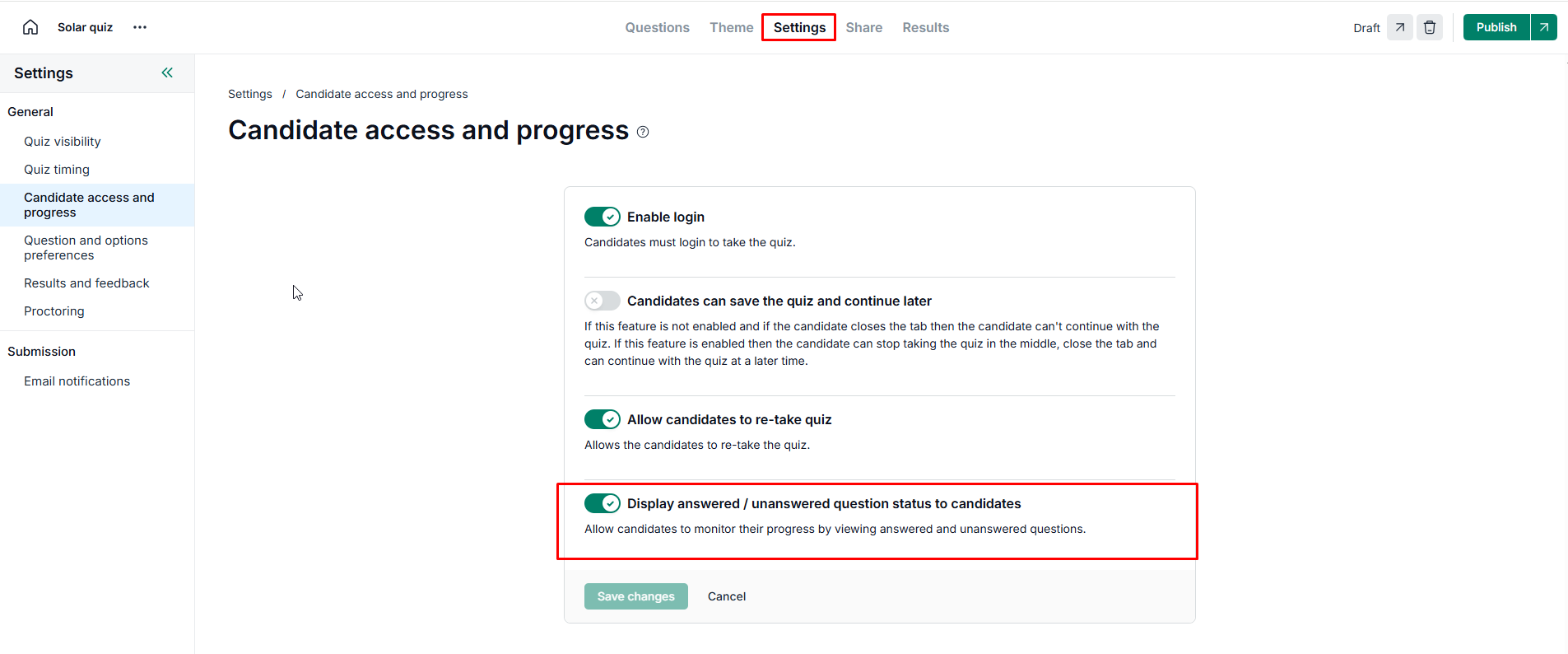

When taking a long quiz, candidates may lose track of which questions they have skipped or which ones they have already completed. To improve the candidate experience, you can enable Display answered / unanswered question status to candidates
This feature allows candidates to see their progress in real-time and quickly jump between questions.
By default, this setting is enabled for all new quizzes you create. However, you can manage it manually within your quiz settings.
Visit your quiz link.
Go to Settings.
Click on Candidate access and progress.
Enable/disable
Display answered / unanswered question status to candidatesoption.-
Click on Save changes.