
This feature allows you to customize your quiz for a specific audience to keep it private yet accessible to the right users.
Open your specific quiz link.
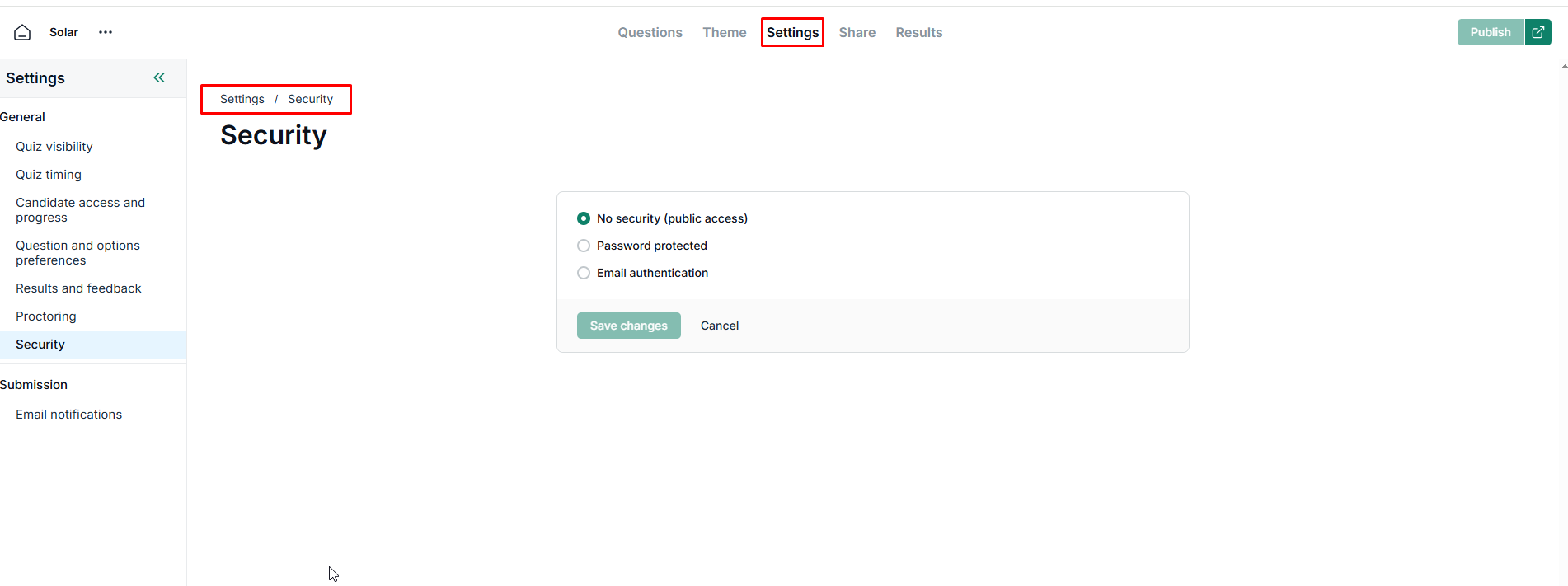
Click on Settings tab.
Click on Security card.
-
Choose options based on your security preferences.
No security (The quiz is public and open to everyone.).
Password protected (Users must enter a specific password to enter).
Email authentication (Restrict access to specific email addresses, domains (e.g., @company.com, or keywords.).
Save changes.